

Platform UI
Platform UI is the visual way for users with API experience to build integrations in a web app editor. It allows for some advanced calls and response parsing when using Code mode; but is predominantly designed for builders more comfortable with a visual form editor than working in code.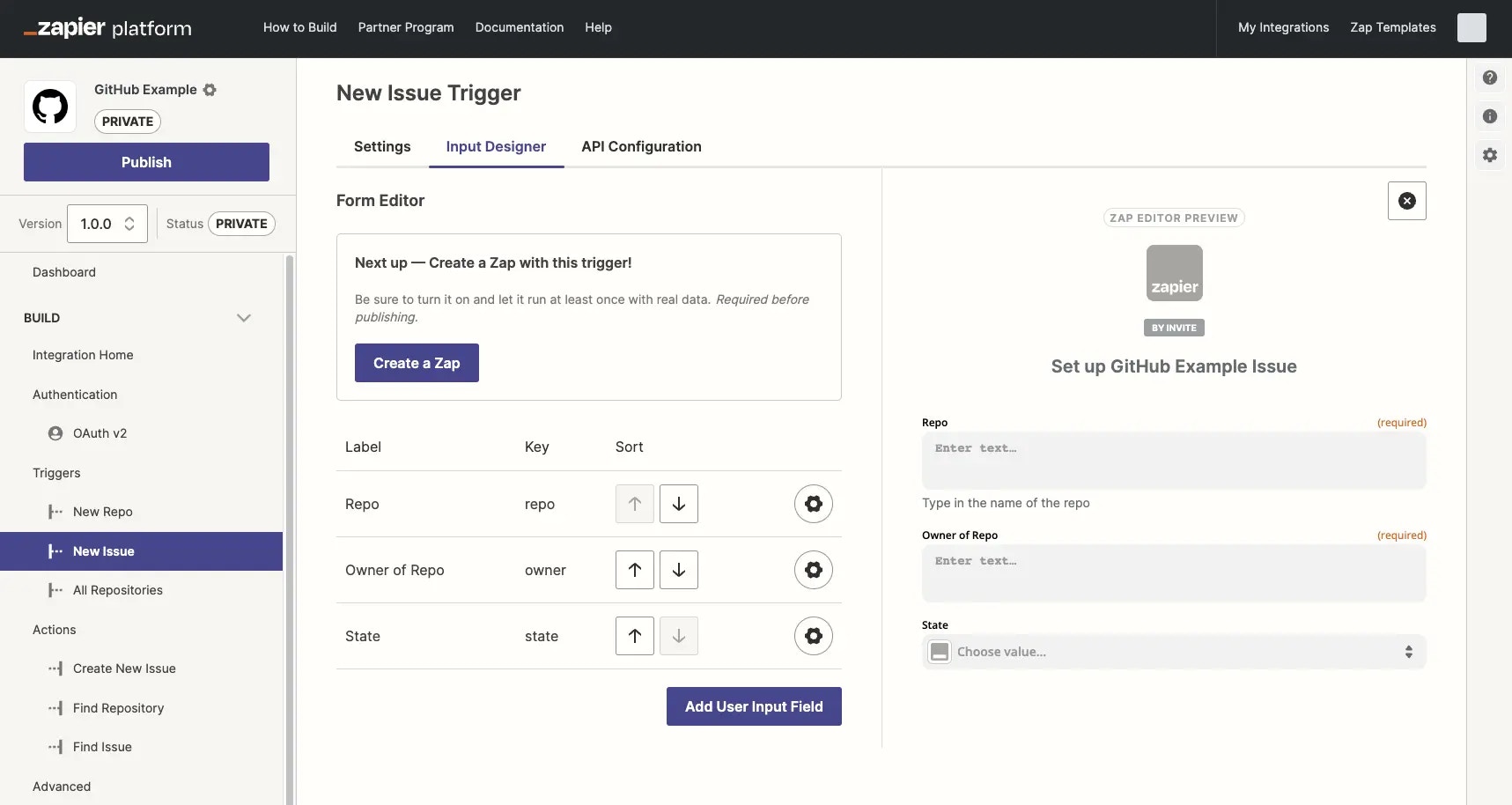
Platform CLI
Platform CLI is a terminal-based app that allows builders to scaffold new integrations locally, using standard JavaScript in your local development environment and code editor. It allows for custom coding for API calls, middleware, file support and other advanced functionality. It’s the preferred tool for engineers comfortable with a standard development workflow and collaborating in a local environment using GIT version control before pushing integration versions to the Zapier server. Platform CLI can be more difficult to use for non-engineers, but will likely be more efficient for an engineering team.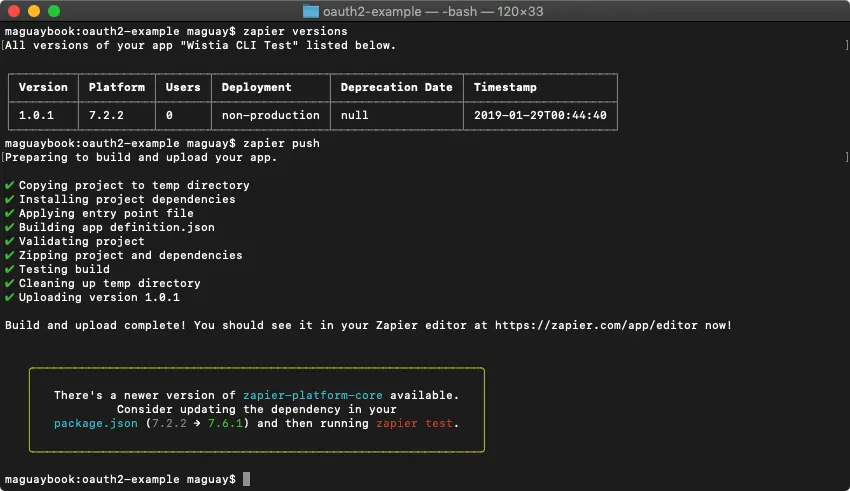
- Quick start guide to using Platform CLI
- Tutorial using Github’s API to build with Platform CLI
- CLI documentation
Comparison between developer tools
You can accomplish the same goals and build equally powerful Zapier integrations with both Platform UI and Platform CLI. The best tool for your integration depends on your work style and integration needs. Below you can review what is capable between both developers tools
If you are still unsure after reviewing our comparsion tables, Zapier advises to build with the Platform UI.
Switching between developer tools
Platform UI to Platform CLI
Yes, it is possible to switch your integration from Platform UI to Platform CLI. You can export an existing Platform UI integration to Platform CLI. Once exported, you can customize your integration in your local development environment. You will still have access to view your integration in the Platform UI. Before making this change, Zapier recommends learning more about possible user impacts when making changes to your integration.Platform CLI to Platform UI
It’s not possible to directly export an integration from Platform CLI to Platform UI. You would need to create a new integration version built in the Platform UI (do not create an entirely new app). Existing users would most likely need to manually update their Zap workflows to use the new version. Learn more about this process and best practices to minimize user impact and contact Developer Support with any questions.Need help? Tell us about your problem and we’ll connect you with the right resource or contact support.